Unlocking Growth With SEO and Google Analytics

Marrying your SEO and Google Analytics efforts is non-negotiable for any serious content strategy. It's the only way to move past the old-school obsession with rankings and see exactly how real people engage with the content you spend so much time creating.
This connection provides the ground truth, answering the most important questions about your organic performance.
Why SEO and Google Analytics Belong Together
One of the biggest mistakes I see is teams treating Search Engine Optimisation (SEO) and Google Analytics (GA4) like two different disciplines. It's a flawed approach. SEO gets people to your digital doorstep, but GA4 is what tells you what they do once they’re inside.
Without that critical feedback loop, you're flying blind. Sure, you might hit number one for a juicy keyword, but is that page actually driving sign-ups or sales? This is the fundamental gap that bringing these two platforms together finally closes.
The real magic happens when you start understanding user behaviour. By linking these tools, you can finally connect the dots between traffic acquisition and on-site engagement. You get the complete picture of a user's journey, from the first search query they typed into Google to the final action they took on your site.
Beyond Rankings to Real Results
Let's be honest, the end goal of SEO isn't just to hoard visitors; it's to drive tangible business outcomes. GA4 gives you the hard data you need to measure those outcomes properly.
Here’s what that actually looks like:
- Spotting Your MVP Content: You can pinpoint which blog posts or landing pages, found via organic search, are contributing the most to conversions—whether that's a newsletter sign-up, a demo request, or a sale.
- Mapping User Journeys: Discover the exact path users take after landing from a Google search. Do they click through to other pages, or do they bounce immediately? This insight is gold for improving your site structure and internal linking.
- Validating Your Keyword Strategy: See if the keywords you rank for are actually attracting the right audience. High traffic paired with a high bounce rate is a classic red flag that your content doesn't match the searcher's intent.
The core benefit here is simple: you transform abstract traffic numbers into actionable business intelligence. You stop asking, "How many people visited?" and start asking, "What did our most valuable visitors do?"
This shift in mindset is what separates a good content engine from a great one. It lets you double down on what’s working, fix what’s broken, and justify your SEO budget with cold, hard data.
As you get comfortable with this, digging into the fundamentals of analytics and measurement for SEO is the logical next step. It's all about making smarter, data-driven decisions that lead to meaningful growth, not just vanity metrics.
Your Essential GA4 and Search Console Setup
Any powerful analysis of your SEO performance starts with a clean, correct setup. Before you can even think about measuring results, you need to be absolutely sure the data flowing into your accounts is reliable. That all begins with connecting Google Analytics 4 (GA4) and Google Search Console.
This simple connection bridges the gap between what happens on Google and what happens on your website.
Think of it like setting up two different camera angles. Search Console records the user's journey on Google—what they searched for and whether they clicked your link. GA4 picks up the story after they land on your site—which pages they visit, what they click, and if they convert. Linking them combines the footage into one complete narrative.
This foundational step is how you start turning abstract traffic data into real, actionable insights that actually fuel your SEO strategy.
This visual shows that simple but powerful flow: your SEO work drives user actions on Google, which in turn delivers measurable insights inside Google Analytics.
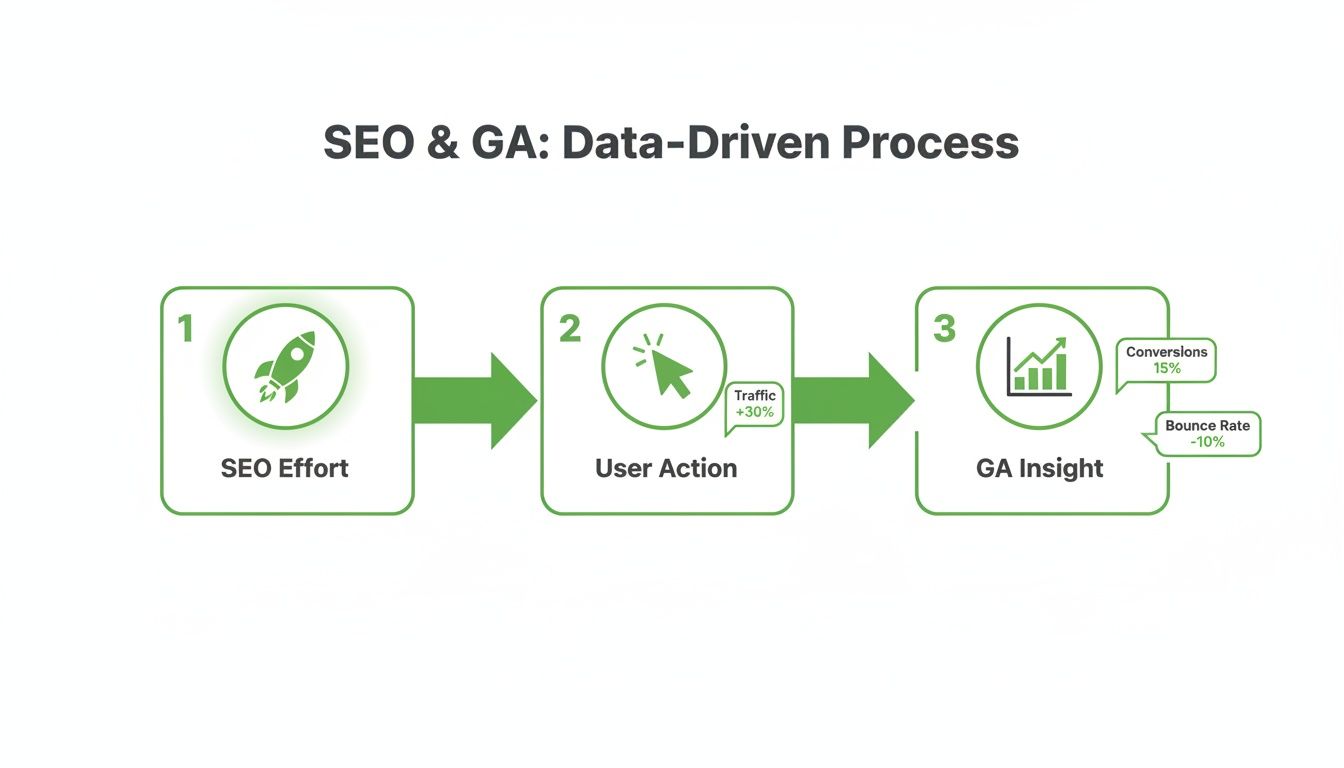
The key takeaway here is that effective SEO isn't a "set it and forget it" task. It’s a continuous cycle of effort, measurement, and refinement—all powered by good analytics.
Making the Connection
Linking the two platforms is straightforward but non-negotiable. Once they’re connected, a new set of reports titled "Google organic search traffic" will pop up in your GA4 property. This is where you'll find the incredibly valuable query data—the actual search terms people used to find you—that is otherwise completely hidden inside GA4.
You can learn much more about the platform's role in our detailed guide on http://programmatic-seo-hub.com/en/programmatic-seo-fundamentals/indexing-and-crawling/google-search-console. Integrating it with GA4 is the first move to unlocking deeper SEO insights.
The global adoption of Google Analytics really underscores its importance. Worldwide, approximately 37.9 million websites rely on it to understand their audience. Germany is a significant part of that user base, with 978,076 documented users, putting it fourth globally. For any German business, mastering this tool is a critical part of competing online.
First Steps for Clean Data
After you’ve linked the accounts, your next priority is making sure the data you collect is as clean as possible. Inaccurate data leads to flawed conclusions, so a few initial configurations are vital for long-term success.
Think of these small adjustments as a quality control filter for your analytics.
- Extend Data Retention: Out of the box, GA4 only keeps user-level data for a measly two months. You need to immediately change this setting to 14 months. This is the only way you can perform year-over-year comparisons and analyse long-term SEO trends.
- Filter Internal Traffic: Your own team visiting the website can easily skew metrics like engagement rates and session counts. Set up a data filter to exclude traffic from your office and remote employees' IP addresses. This ensures your reports reflect genuine external user behaviour.
- Verify Your Data Streams: A data stream is simply the source of data for your GA4 property (like your website or app). Double-check that your website's stream is correctly configured and that the measurement ID is properly installed on every single page of your site.
A clean setup isn't a one-time task; it's an ongoing commitment. Regularly auditing your configuration prevents data pollution and ensures your SEO decisions are based on the most accurate information available.
To guarantee the accuracy of your GA4 data, it's essential to use reliable tools to detect implementation errors and audit Google Analytics 4. This helps you catch issues like broken tracking codes or misconfigured events before they have a chance to corrupt your reports. Building this solid foundation makes every analysis you run later on far more reliable and insightful.
Measuring Programmatic SEO at Scale
So, you’ve launched hundreds, maybe thousands, of pages with programmatic SEO. How do you do that? Think of it like a mail merge, but for webpages. You create one master page template and automatically fill it with data from a spreadsheet or database to generate unique pages at scale. A common example is creating a page for every city you operate in.
The challenge is measuring if it's all working. Drowning in a sea of individual page reports isn't the answer. The secret is to stop thinking about single pages and start analysing your content clusters as a whole inside Google Analytics.
Your goal isn’t to obsess over every single page. That’s a fast track to analysis paralysis. Instead, you need a high-level view that tells you whether the entire strategy is paying off. This means looking at the combined performance of all pages built from a specific template to see the bigger picture of traffic, engagement, and conversion trends.
This shift in perspective takes you from a tedious, page-by-page chore to a strategic overview. You can finally answer the important questions, like, "Is my 'best [product] for [use case]' template driving more sign-ups than my '[competitor] alternative' template?" This is where combining SEO and Google Analytics really shows its power.
Isolating Your Programmatic Pages
First things first, you need to filter your GA4 reports to show only your programmatic pages. The good news is you don't need any complex code or custom events for this. All it takes is a clean, consistent URL structure for your programmatic content—which you should be doing anyway as a best practice.
Let’s say all your pSEO pages for local services follow a pattern like yourwebsite.de/services/[city-name]/.
To isolate this data, you just apply a simple filter in any GA4 report:
- Head to a report, like Reports > Engagement > Pages and screens.
- Click the Add filter button up top.
- Set the dimension to Page path and screen class.
- Choose the match type contains.
- Pop in the unique part of your URL structure, like /services/.
Boom. Every metric in that report—from user engagement to conversions—now reflects only the performance of that programmatic cluster. This one simple step is the key to managing and measuring your efforts without losing your mind.
This GA4 dashboard gives a great overview of traffic sources. You can see how filtering down to specific page clusters lets you measure their direct impact on the metrics that matter.
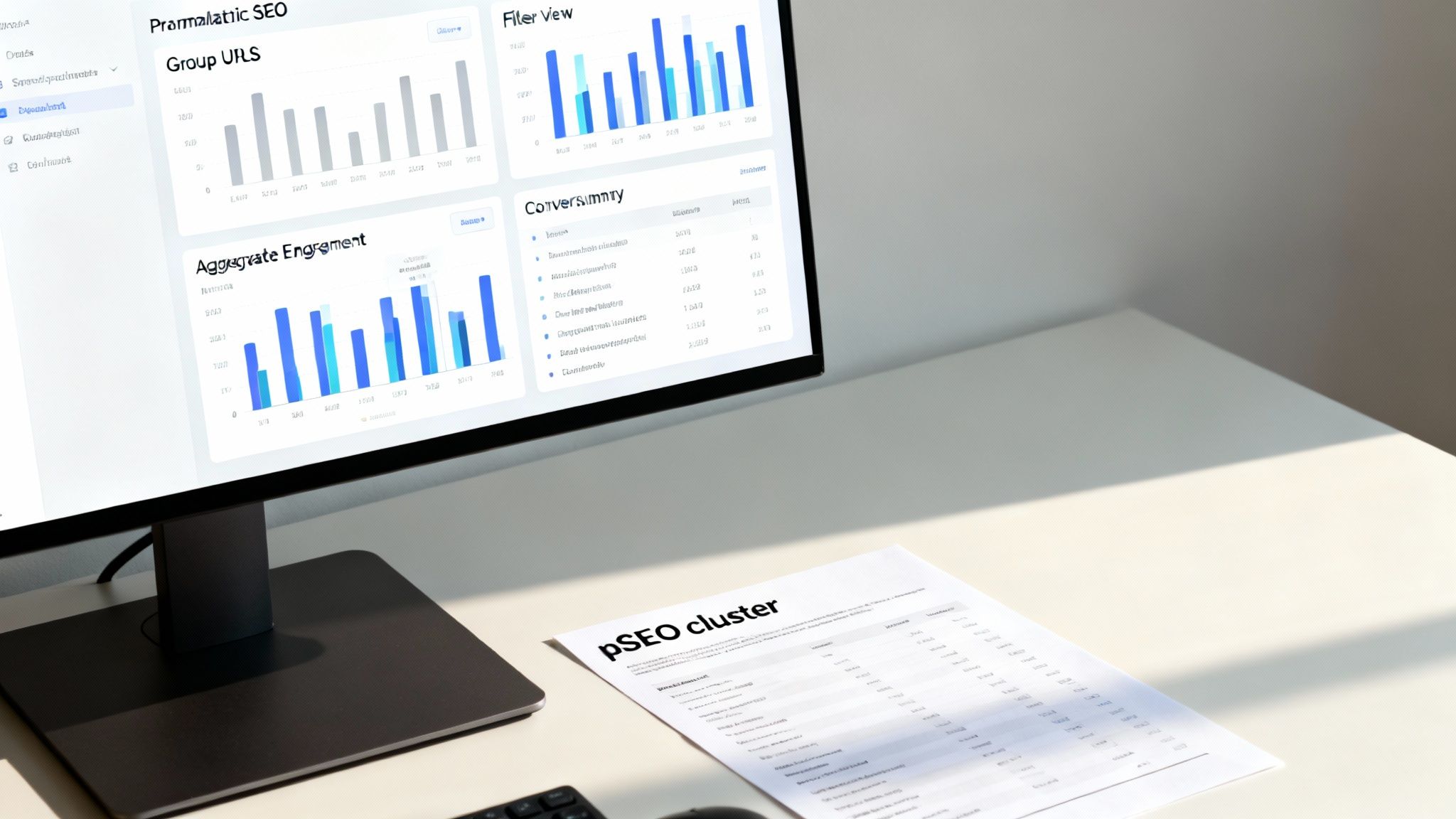
The real insight here isn't just traffic; it's seeing the collective engagement rate and total conversions for your entire pSEO cluster.
Analysing Engagement and User Flow
Once your programmatic pages are isolated, you can start digging into the juicy stuff. One of the first places I look is the engagement rate. If an entire cluster has a low engagement rate, it's a huge red flag. It could mean your page template isn't resonating, or the content itself just isn't compelling enough to make people stick around.
But don't stop at one metric. You need to understand the user flow. Where do people go after landing on one of these pages? Jump into GA4’s Path exploration report. It’ll show you if users are clicking through to your core product pages, exploring other programmatic content, or just bouncing. This is how you refine your internal linking to actually guide people toward your conversion goals.
A solid programmatic strategy doesn't just attract visitors; it moves them through your funnel. If you want to go deeper, check out our guide on advanced programmatic traffic analysis techniques.
The true value of programmatic measurement comes from seeing patterns across the entire content set. A single page might be an outlier, but a trend across 500 pages is a clear signal that something in your template or data source needs attention.
Uncovering New Opportunities with Search Queries
This is where linking Search Console to GA4 truly pays off. With your report already filtered for your programmatic pages, switch over to the Google organic search queries report. Now you’re seeing the exact search terms that are bringing people to your programmatic content.
This data is an absolute goldmine for refining your strategy. You'll likely discover:
- Unexpected User Needs: People often use modifiers or ask questions you never even considered, handing you new keyword angles on a silver platter.
- Ideas for New Templates: Seeing a lot of queries around "comparisons" or "costs"? That's a strong signal that you should build a new programmatic template to serve that intent directly.
- Content Gaps: Are users searching for features or locations your dataset doesn't cover yet? This data gives you a clear, validated roadmap for your next content expansion.
This whole process taps into a massive opportunity. The global SEO industry was valued at $82.3 billion in 2023 and is projected to hit $143.9 billion by 2030. With organic traffic still accounting for nearly 47% of all website traffic, winning those top spots is everything—position one alone captures a 39.8% click-through rate. You can find more on these trends in this detailed report. Measuring your programmatic SEO effectively in Google Analytics is how you grab your slice of that pie.
Tracking Actions That Matter Most
Getting a flood of organic traffic is a great start, but it's only half the story. If those visitors aren't taking the actions you want them to, then all that traffic is just noise. This is where the real power of connecting SEO and Google Analytics comes into play—it helps you pinpoint and track the user behaviours that actually move the needle for your business.
Think of it this way: traffic is potential, but a conversion is proof. A conversion is simply any action you define as a "win"—be it a newsletter sign-up, a demo request, or a contact form submission. In Google Analytics 4 (GA4), you can basically tell the platform, "Hey, when a user does this, count it as a success."
This simple step transforms your analytics from a basic traffic report into a powerful tool for measuring business impact. You stop asking, "How many people visited?" and start asking, "How many visitors from our SEO efforts became potential customers?"
Defining Your Website Wins
Before you can track anything, you have to decide what actions are most valuable. Every business is different. For an e-commerce site, the ultimate conversion is obviously a purchase. For a B2B software company, it might be a free trial sign-up.
Here are a few common examples of valuable actions to track:
- Newsletter Subscriptions: This tells you which content is compelling enough to make a visitor want to hear from you again.
- Contact Form Submissions: A direct signal that a user is interested in your services.
- PDF or Resource Downloads: Shows deep engagement and proves your content is valuable enough to save.
- Demo or Consultation Requests: A high-intent action that often kicks off a sales conversation.
Once you’ve identified your key actions, setting them up as conversions in GA4 is surprisingly straightforward. Most of the time, it just involves creating an "event" that fires when a user completes the action, like landing on a "thank-you" page after submitting a form. You then simply flip a switch in GA4 to mark that specific event as a conversion.
Tracking conversions is how you connect your SEO work to real revenue. It provides the evidence that your content strategy isn't just driving clicks—it's driving business growth.
Adding Context with Custom Dimensions
While tracking conversions tells you what happened, you also need to understand why. This is where custom dimensions come in. A custom dimension is like adding your own unique label to your data, giving you a completely new way to slice and analyse your reports.
Imagine you're running a programmatic SEO campaign with different types of page templates, like:
- A "Product Review" template
- A "How-To Guide" template
- A "Best [Product] for [Use Case]" template
Out of the box, GA4 sees all of these as just "pages." But with a custom dimension called page_template, you can label each page with its corresponding template type. This simple addition unlocks incredibly powerful insights.
Suddenly, you can build reports that directly compare the performance of each template. You can finally answer questions like, "Does our 'Product Review' template convert visitors into newsletter subscribers at a higher rate than our 'How-To Guide' template?"
This level of detail is a game-changer for any large-scale content strategy. You get concrete data on which content formats are most effective, allowing you to stop guessing and start making informed decisions about where to invest your resources. For those looking to master this, our guide on conversion tracking best practices provides a deeper dive into these techniques.
By combining conversion tracking with custom dimensions, you create a rich, contextualised view of your SEO performance. This moves you beyond basic traffic metrics and into a sophisticated understanding of how your content truly serves both your users and your business goals.
Building an Automated SEO Dashboard
Let's be honest: manually pulling data from Google Analytics and Search Console every week is a soul-crushing task. It’s tedious, repetitive, and frankly, a waste of time you could be spending on actual strategy. The answer isn't to work harder; it's to build an automated dashboard that does the heavy lifting for you.
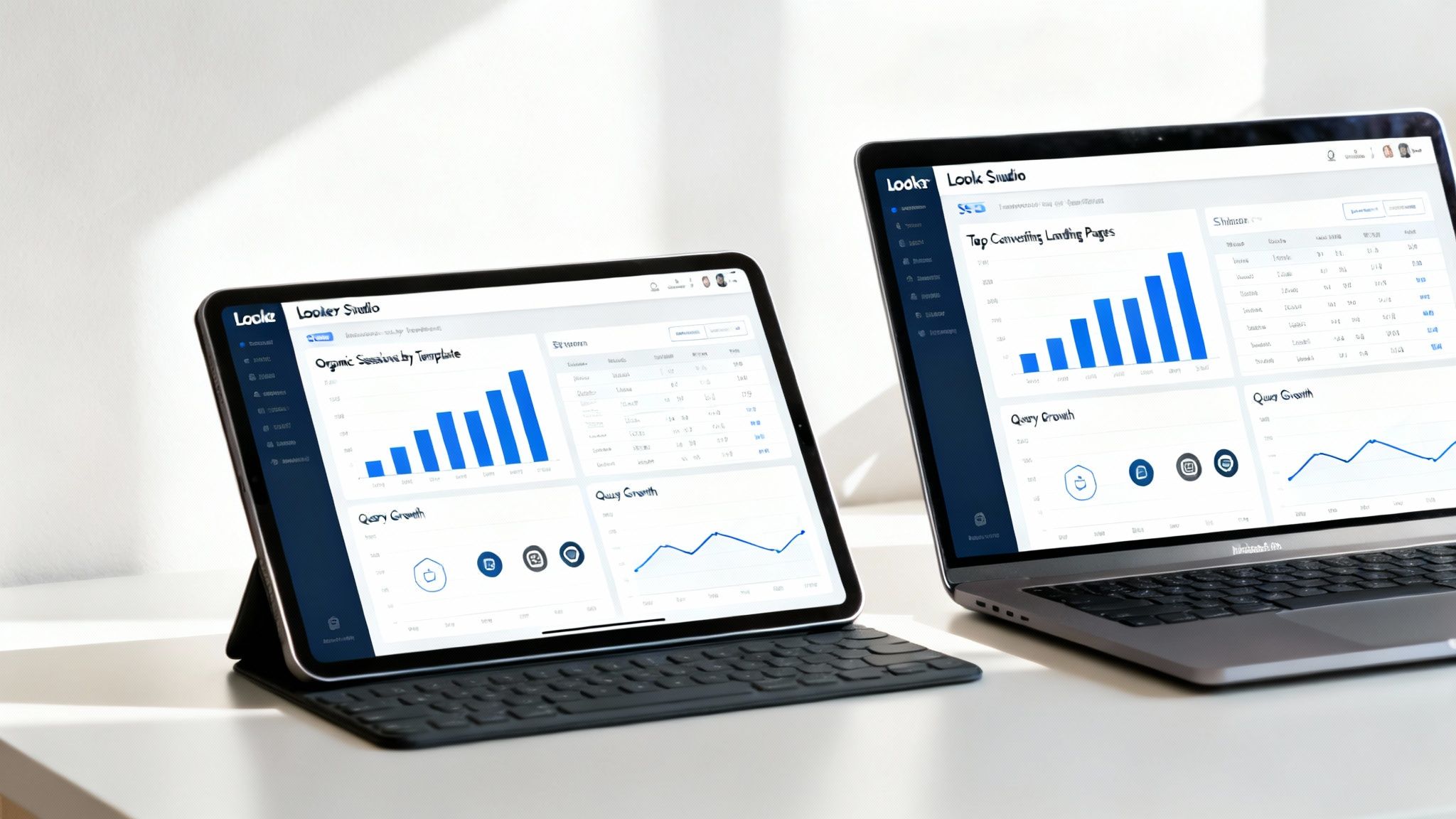
You get a clear, visual summary of your SEO health that updates itself. And the best part? You can build it for free using Looker Studio (what we all used to call Google Data Studio). By plugging it into your GA4 and Search Console accounts, you create a living report. This is an absolute game-changer for programmatic SEO, where trying to track hundreds or thousands of pages one-by-one is just not feasible.
This simple shift moves you from being a data-gatherer to a data-analyst. You stop spending hours buried in spreadsheets and start spending minutes spotting trends and making smart decisions.
Connecting Your Data Sources
First things first, you need to get your data flowing into Looker Studio. This is surprisingly straightforward because it has native connectors for both Google Analytics 4 and Google Search Console. You just need to grant Looker Studio permission to access your accounts.
It’s a simple, one-time setup:
- Jump into Looker Studio and create a new, blank report.
- It’ll ask you to add a data source—search for and select Google Analytics.
- Follow the prompts to choose your account, property, and the specific data stream you want.
- Once that’s done, you’ll add another data source. This time, select Google Search Console and pick your website property.
That’s it. With these two sources connected, you have all the raw ingredients ready to go. Now the fun begins: you can start blending data from both platforms onto a single canvas. This is where you connect the dots between clicks and impressions (from GSC) and what users actually do on your site (from GA4).
Key Metrics for Your pSEO Dashboard
A dashboard is only as useful as the metrics it shows. For a programmatic SEO project, you need to resist the urge to track everything. Instead, focus on the high-level indicators that tell you about the health of an entire content cluster, not just one page. Your goal is to see the patterns.
To get you started, here’s a look at the essential metrics we build into our programmatic SEO dashboards.
Core Metrics for Your Automated SEO Dashboard
This table breaks down the crucial metrics to include in your Looker Studio report, explaining where they come from and why they’re so important for measuring programmatic SEO success.
| Metric | GA4/GSC Source | Why It Matters for pSEO |
|---|---|---|
| Organic Sessions by Page Template | GA4 (with a filter) | Shows which of your programmatic templates (e.g., /reviews/, /guides/) is attracting the most traffic overall. |
| Total Organic Clicks & Impressions | GSC | Provides a top-level view of your site's visibility and click-through performance on Google Search. |
| Top Converting Landing Pages (Organic) | GA4 | Pinpoints the specific programmatic pages that are most effectively driving business goals like sign-ups or leads. |
| Top Organic Queries | GSC | Reveals the actual search terms bringing users to your programmatic content, often uncovering new keyword opportunities. |
The whole point is to achieve simplicity and clarity. A cluttered dashboard quickly becomes an ignored dashboard.
Focus on visualising the handful of key metrics that give you an 80/20 view of your programmatic success. Less is more.
This laser focus is especially critical in markets like Germany, where the search landscape is completely dominated by one player. As of late 2025, Google holds a staggering 90.24% of the search engine market share there, making optimisation for its platform a non-negotiable. An automated dashboard keeps your attention on the metrics that matter for this all-important channel.
If you want to hit the ground running, our guide on building effective SEO dashboards for pSEO includes some ready-to-use templates to get you started faster.
From Data to Decisions
Think of your automated dashboard as less of a report and more of a decision-making engine. When you can see your core KPIs at a glance, you can instantly spot what’s working and, more importantly, what isn’t.
Is one of your page templates bringing in a ton of traffic but zero conversions? That’s a massive red flag telling you to revisit its call-to-action or on-page experience. Are new search queries popping up for a content cluster? That’s your cue to expand that section with new data or even create a whole new template to serve that emerging user intent.
Ultimately, this is how you start to clearly demonstrate performance and truly understand how to measure marketing ROI. By automating the grunt work of reporting, you free up your time and mental energy to focus on the strategic moves that actually grow your business.
A Few Common Questions About GA4 and SEO
Diving into GA4 for SEO work always brings up the same handful of questions, especially if you're coming over from Universal Analytics. It's totally normal to see data that doesn't quite line up or feel like your favourite reports have vanished.
Let's clear the air on the most common sticking points. Think of this as your quick-start guide to bridging the gap between what you see in Google Analytics and what’s happening in search.
Can I Still See My Keywords in Google Analytics 4?
This is the big one, and the short answer is no—not directly inside GA4, anyway. For privacy reasons, Google has long since masked most organic search terms, leaving you with the dreaded "(not provided)" in your reports.
The only real fix here is to link your Google Search Console account with your GA4 property. Honestly, this is a non-negotiable step for any serious SEO. Once connected, GA4 pulls your search query data into a special set of reports, finally letting you see which terms people are actually using to find you on Google.
What’s the Biggest Difference Between GA4 and Universal Analytics for SEO?
The entire philosophy changed. We’ve moved from a session-based model to an event-based one.
In plain English, this means everything a user does—a page view, a scroll, a button click—is now tracked as a distinct event. This is a massive win for SEO. It gives you incredible flexibility to track specific, meaningful actions without a ton of complicated setup. Need to know how many people clicked the CTA on a specific programmatic template? You can set that up as an event in minutes. GA4 is built to measure the full user journey, not just the entry and exit points of a session.
How Do I Track Conversions From One Specific Page Template?
This is absolutely crucial for measuring the success of any programmatic SEO project, and thankfully, it’s pretty straightforward. The simplest way is to use a filter or create a segment right inside your GA4 reports.
Just tell GA4 to show you data only for pages where the URL contains a unique identifier from your template, like /reviews/ or /guides/.
The moment you apply that filter, every report—including all your conversion data—will focus only on that group of pages. This gives you a razor-sharp view of which content templates are actually driving valuable actions.
Why Doesn't My Data in Search Console Match Google Analytics?
Seeing different numbers in Search Console (GSC) and GA4 is completely normal. Don't panic—nothing is broken. The trick is to remember they are two separate tools measuring two very different things.
- Google Search Console tracks what happens on Google Search. It’s all about impressions (how often your site appeared in the results) and clicks (how many times someone clicked your link from the search page).
- Google Analytics tracks what happens on your website. It measures what a user does after they click, tracking sessions, engagement, and on-site actions.
Think about it this way: a single person could click your link in Google search results twice in a few minutes. GSC would count 2 clicks. But if they arrived within the same 30-minute window, GA4 would likely record that as just 1 session. They’re measuring separate parts of the journey, so the numbers will never be a perfect match.
Ready to scale your content and measure its impact with precision? The Programmatic SEO Hub provides the playbooks, templates, and free tools you need to master programmatic SEO and grow your organic traffic. Explore our resources and start building your content engine today at https://programmatic-seo-hub.com/en.
Related Articles

Mobile friendly test google: A Practical Guide to Master Mobile SEO
Even though Google’s standalone Mobile-Friendly Test tool is a thing of the past, the principle behind it is more critical than ever. The simple truth is that Google now overwhelmingly uses its...

A Practical Guide to Competitive Analysis Keywords
When we talk about competitive analysis keywords, we're really talking about the search terms that are already making money for your rivals. By digging into these, you uncover their entire...

Landing Pages SEO A Practical Guide to Rank and Convert
When we talk about SEO for landing pages, we're not just talking about general website optimisation. We're getting hyper-specific. This is the art of building and refining standalone pages...